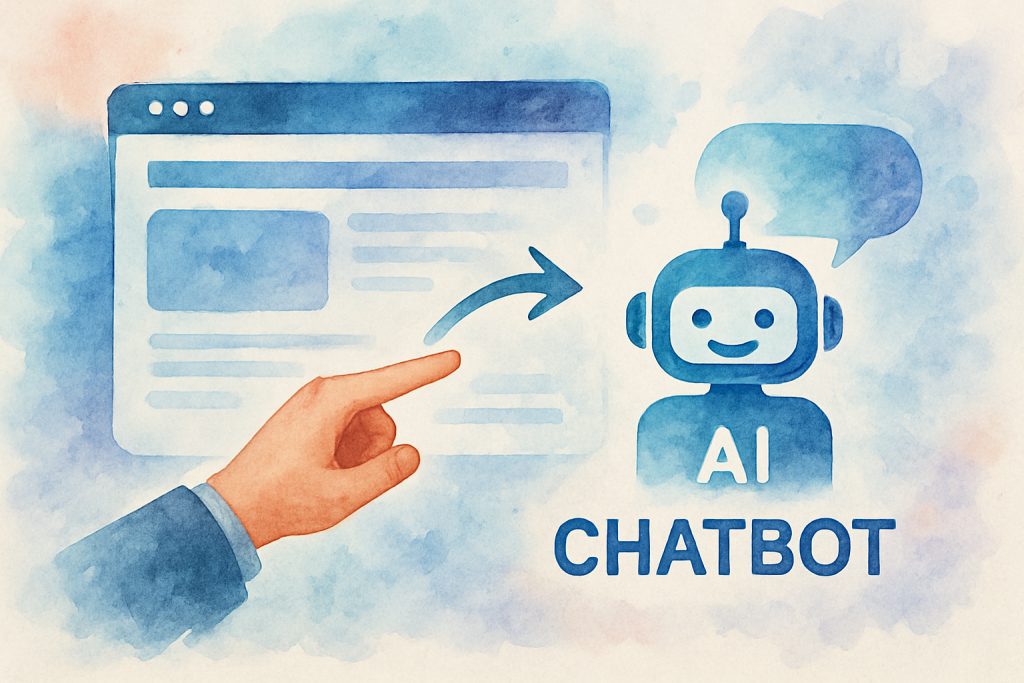
In today’s fast-paced digital landscape, businesses are constantly seeking innovative ways to enhance customer engagement and boost conversions. One powerful solution that’s gaining traction is the integration of AI chatbots into websites. If you’ve been wondering how to add an AI chatbot to your website, you’re in the right place. This comprehensive guide will walk you through the process, benefits, and best practices of implementing an AI chatbot, helping you transform your online presence and skyrocket your conversions.
Understanding AI Chatbots: The Game-Changer for Your Website
AI chatbots are revolutionising the way businesses interact with their online visitors. These intelligent virtual assistants use natural language processing and machine learning algorithms to understand and respond to user queries in real-time. By deciding to add an AI chatbot to your website, you’re opening up a world of possibilities for enhanced customer service, increased engagement, and improved conversion rates.
The Rising Trend of AI Chatbots
According to a study by Juniper Research, chatbots are expected to save businesses $8 billion annually by 2022. This staggering figure highlights the growing importance of AI chatbots in modern business strategies. As more companies recognise the value of these virtual assistants, the question is no longer “Should I add an AI chatbot to my website?” but rather “How quickly can I implement one?”
Key Features of AI Chatbots
- 24/7 availability
- Instant responses to customer queries
- Personalised user experiences
- Multilingual support
- Seamless integration with existing systems
The Benefits of Adding an AI Chatbot to Your Website
When you add an AI chatbot to your website, you’re not just implementing a trendy feature – you’re investing in a powerful tool that can transform your online presence. Let’s explore some of the key benefits:
1. Enhanced Customer Service
AI chatbots provide instant, round-the-clock support to your website visitors. They can handle multiple queries simultaneously, ensuring that no customer is left waiting for assistance. This improved response time leads to higher customer satisfaction and loyalty.
2. Increased Conversions
By guiding users through the sales funnel and providing personalised recommendations, AI chatbots can significantly boost your conversion rates. They can answer product-related questions, offer tailored suggestions, and even assist with the checkout process.
3. Cost-Effective Operations
Implementing an AI chatbot can dramatically reduce your customer service costs. While they can’t completely replace human agents, chatbots can handle a large volume of routine queries, freeing up your staff to focus on more complex issues.
4. Valuable Customer Insights
AI chatbots collect and analyse user data, providing you with valuable insights into customer behaviour, preferences, and pain points. This information can help you refine your products, services, and marketing strategies.
Step-by-Step Guide: How to Add an AI Chatbot to Your Website
Now that we’ve established the benefits, let’s dive into the practical steps of adding an AI chatbot to your website:
1. Define Your Objectives
Before you start, clearly outline what you want to achieve with your chatbot. Are you looking to improve customer service, increase sales, or gather leads? Your objectives will guide the chatbot’s design and functionality.
2. Choose the Right Platform
There are numerous AI chatbot platforms available, each with its own strengths. Some popular options include:
- Dialogflow by Google
- IBM Watson Assistant
- Microsoft Bot Framework
- MobileMonkey
- Chatfuel
Research and compare these platforms to find the one that best suits your needs and technical capabilities.
3. Design Your Chatbot’s Conversation Flow
Map out the typical conversations your chatbot will have with users. Consider common questions, user intents, and the desired outcomes for each interaction. This will help you create a logical and effective conversation flow.
4. Train Your AI Chatbot
Feed your chatbot with relevant data, including FAQs, product information, and common customer queries. The more information you provide, the more effectively your chatbot will be able to assist users.
5. Integrate the Chatbot with Your Website
Most chatbot platforms offer easy integration options, often via a simple code snippet you can add to your website. Follow the platform’s instructions to integrate the chatbot into your site seamlessly.
6. Test and Refine
Before going live, thoroughly test your chatbot to ensure it’s functioning correctly and providing accurate responses. Continuously monitor its performance and make refinements based on user feedback and analytics.
Overcoming Common Challenges When Adding an AI Chatbot to Your Website
While the process of adding an AI chatbot to your website can be straightforward, you may encounter some challenges along the way. Here’s how to address them:
1. Maintaining a Human Touch
Challenge: Ensuring your chatbot doesn’t come across as too robotic or impersonal.
Solution: Incorporate natural language and a friendly tone into your chatbot’s responses. Include options for users to easily connect with human agents when needed.
2. Handling Complex Queries
Challenge: AI chatbots may struggle with nuanced or complex questions.
Solution: Implement a robust fallback system that directs complex queries to human agents. Continuously update your chatbot’s knowledge base to improve its capabilities over time.
3. Ensuring Data Privacy and Security
Challenge: Protecting user data and maintaining compliance with privacy regulations.
Solution: Choose a chatbot platform that prioritises data security and complies with relevant regulations like GDPR. Clearly communicate your data handling practices to users.
Conclusion: Transform Your Website with AI Chatbot Integration
Adding an AI chatbot to your website is no longer a luxury – it’s becoming a necessity for businesses looking to stay competitive in the digital age. By following the steps outlined in this guide, you can seamlessly integrate an AI chatbot into your website, enhancing customer service, boosting conversions, and gaining valuable insights into your audience.
Remember, the key to success lies in choosing the right platform, designing effective conversation flows, and continuously refining your chatbot based on user feedback and data analysis. With patience and persistence, your AI chatbot will become an invaluable asset to your online presence.
Ready to take your website to the next level with AI chatbot integration? Don’t navigate this journey alone. Contact The Crunch today for a free consultation and let our experts guide you through the process of adding an AI chatbot to your website. Schedule your appointment now and unlock the full potential of your online presence!