Microsoft Teams AI Chatbot: Improving Your Teams with 10x Level Automation
Introduction
In today’s fast-paced business world, productivity is the key to success. As teams juggle multiple tasks and projects, they often struggle to stay efficient and organised. Enter the game-changer: an AI chatbot for Microsoft Teams. This innovative tool is revolutionising the way teams communicate, collaborate, and manage their workload.
Imagine having a virtual assistant that can schedule meetings, answer queries, and even automate routine tasks—all within your Microsoft Teams environment. This isn’t just a futuristic dream; it’s a reality that’s transforming workplaces across the globe.
In this comprehensive guide, we’ll explore how an AI chatbot for Microsoft Teams can supercharge your team’s productivity. We’ll delve into its benefits, provide implementation strategies, and address common challenges. By the end, you’ll have a clear roadmap to harness the power of AI in your team’s daily operations.
Understanding Microsoft Teams AI chatbot
Before we dive into the benefits and implementation strategies, let’s establish a clear understanding of what an AI chatbot for Microsoft Teams actually is.
What is a Microsoft Teams AI chatbot?
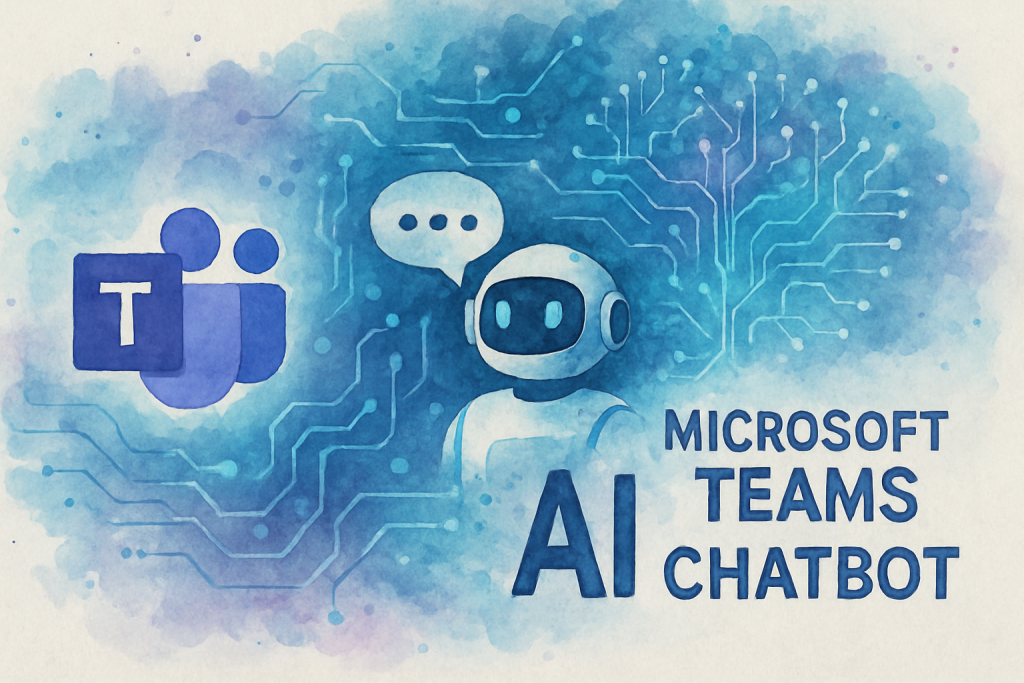
An AI chatbot for Microsoft Teams is a sophisticated software application that uses artificial intelligence and natural language processing to interact with users within the Microsoft Teams platform. These chatbots can understand and respond to text-based queries, perform tasks, and even learn from interactions to improve their performance over time.
The Evolution of Workplace Communication
The integration of AI chatbots into Microsoft Teams represents a significant leap in workplace communication technology. Here’s a brief timeline of this evolution:
- 1990s: Email becomes the primary digital communication tool
- 2000s: Instant messaging platforms gain popularity
- 2010s: Collaboration platforms like Microsoft Teams emerge
- 2020s: AI chatbots are integrated into collaboration platforms, enhancing functionality and productivity
Current Trends in AI Chatbot Usage
Recent statistics highlight the increasing adoption of AI chatbots in workplace environments:
- 80% of businesses are expected to integrate some form of chatbot system by 2020 (Oracle)
- AI chatbots can reduce customer service costs by up to 30% (IBM)
- 47% of organisations are expected to implement chatbots for customer support services (Insider Intelligence)
These trends clearly indicate that AI chatbots, particularly those integrated with popular platforms like Microsoft Teams, are becoming an essential tool for modern businesses.
Benefits of Implementing an Microsoft Teams AI chatbot
Now that we understand what an AI chatbot for Microsoft Teams is, let’s explore the myriad benefits it can bring to your organisation.
Enhanced Communication Efficiency
An AI chatbot acts as a central hub for communication, streamlining interactions within your team:
- Instant responses to common queries, reducing wait times
- Automated meeting scheduling and reminders
- Quick access to important information and documents
Increased Productivity
By automating routine tasks, an AI chatbot frees up your team’s time for more valuable work:
- Automated data entry and report generation
- Task management and deadline reminders
- Quick problem-solving through instant access to knowledge bases
Improved Employee Experience
AI chatbots can significantly enhance the overall employee experience:
- 24/7 support for employee queries
- Personalised assistance based on individual roles and preferences
- Reduced frustration from repetitive tasks
Data-Driven Insights
AI chatbots can collect and analyse data from interactions, providing valuable insights:
- Identification of common issues and bottlenecks
- Analysis of team performance and productivity trends
- Recommendations for process improvements
Implementing Microsoft Teams AI chatbot: A Step-by-Step Guide
Ready to implement an AI chatbot in your Microsoft Teams environment? Follow these steps to ensure a smooth integration:
1. Assess Your Needs
Before diving in, evaluate your team’s specific requirements:
- Identify pain points in your current workflow
- Determine which tasks could benefit from automation
- Consider the size and structure of your team
2. Choose the Right Chatbot Solution
Select a chatbot that aligns with your needs and integrates well with Microsoft Teams:
- Research available options (e.g., Microsoft’s Power Virtual Agents, third-party solutions)
- Evaluate features, customisation options, and scalability
- Consider ease of use and required technical expertise
3. Plan the Integration
Develop a comprehensive plan for integrating the chatbot:
- Set clear objectives and KPIs
- Create a timeline for implementation
- Assign roles and responsibilities to team members
4. Customise and Train Your Chatbot
Tailor the chatbot to your team’s specific needs:
- Define conversation flows and responses
- Integrate with relevant data sources and APIs
- Train the AI using your organisation’s specific language and terminology
5. Test Thoroughly
Before full deployment, conduct extensive testing:
- Perform user acceptance testing with a small group
- Identify and fix any bugs or issues
- Gather feedback and make necessary adjustments
6. Roll Out and Provide Training
Launch the chatbot and ensure your team is prepared to use it:
- Introduce the chatbot to your entire team
- Provide comprehensive training on its features and capabilities
- Create user guides and FAQs for ongoing support
7. Monitor and Optimise
Continuously improve your chatbot’s performance:
- Regularly analyse usage data and user feedback
- Identify areas for improvement and new features to add
- Keep the AI updated with new information and capabilities
Overcoming Challenges in AI Chatbot Implementation
While implementing an AI chatbot for Microsoft Teams can bring numerous benefits, it’s not without its challenges. Here’s how to address some common obstacles:
User Adoption Resistance
Challenge: Some team members may be hesitant to adopt new technology.
Solution:
- Clearly communicate the benefits of the chatbot
- Provide comprehensive training and support
- Start with simple use cases and gradually introduce more complex features
Data Privacy and Security Concerns
Challenge: Handling sensitive information through a chatbot can raise security concerns.
Solution:
- Choose a chatbot solution with robust security features
- Implement strict data handling and access control policies
- Regularly audit and update security measures
Integration Complexity
Challenge: Integrating the chatbot with existing systems can be technically challenging.
Solution:
- Work with experienced developers or consider a managed solution
- Start with basic integrations and expand gradually
- Ensure thorough testing at each stage of integration
Maintaining Accuracy and Relevance
Challenge: Keeping the chatbot’s knowledge base up-to-date and accurate.
Solution:
- Implement a regular content review and update process
- Use machine learning capabilities to improve responses over time
- Encourage user feedback to identify areas for improvement
Conclusion
Implementing an AI chatbot for Microsoft Teams is more than just a technological upgrade—it’s a strategic move towards enhanced productivity, improved communication, and streamlined operations. By automating routine tasks, providing instant support, and offering data-driven insights, these chatbots are transforming the way teams work.
As we’ve explored in this guide, the benefits of AI chatbots are numerous, from increased efficiency to improved employee satisfaction. While there may be challenges in implementation, with the right approach and strategy, these can be effectively overcome.
The future of work is here, and it’s powered by AI. By embracing this technology, you’re not just keeping up with the times—you’re positioning your team at the forefront of innovation and productivity.
Ready to take the next step in revolutionising your team’s productivity? Contact The Crunch today to schedule a free consultation and discover how an AI chatbot for Microsoft Teams can transform your workplace. Get your personalised proposal now!