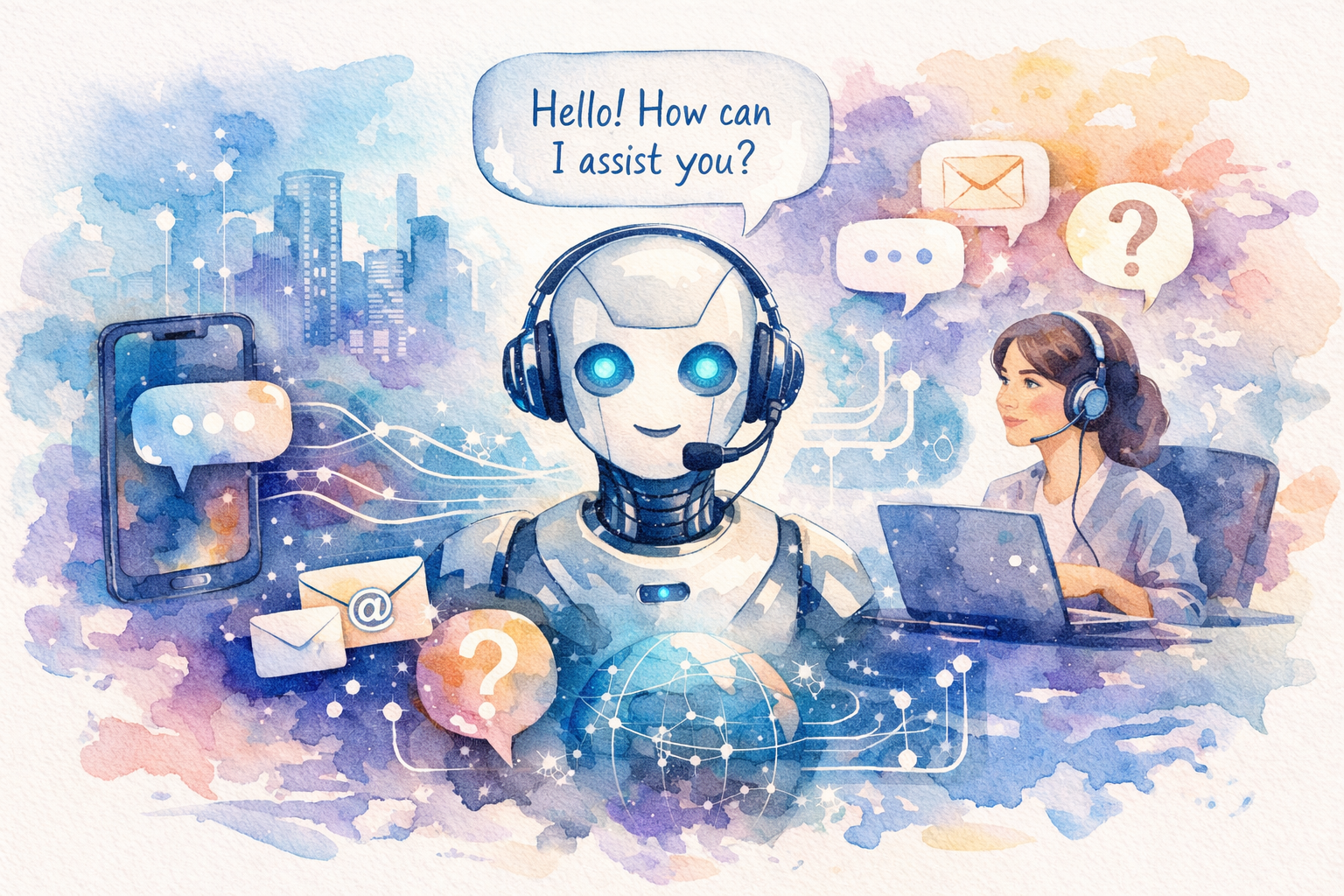
The artificial intelligence revolution has transformed how we work, learn, and create content. Since ChatGPT burst onto the scene, millions of users have experienced the power of conversational AI firsthand. However, ChatGPT isn’t the only player in this rapidly evolving space. Whether you’re looking for specialized features, better pricing options, or simply want to explore what else is available, there’s a growing ecosystem of AI applications like ChatGPT that deserve your attention.
In this comprehensive guide, we’ll explore the top 10 AI chatbot alternatives that are making waves in 2026. From free options to specialized tools for coding, writing, and research, you’ll discover powerful solutions that might even surpass ChatGPT for your specific needs. We’ll dive into their unique features, pricing structures, and ideal use cases to help you make an informed decision about which AI assistant is right for you.
Understanding AI Applications Like ChatGPT and Their Growing Impact
AI applications like ChatGPT represent a breakthrough in natural language processing technology. These conversational AI tools use large language models trained on vast amounts of text data to understand context, generate human-like responses, and assist with countless tasks ranging from content creation to problem-solving.
The market for AI chatbots has exploded since 2023, with the global conversational AI market projected to reach $32.62 billion by 2030, according to Grand View Research. This growth reflects the increasing demand for intelligent automation across industries including customer service, education, healthcare, and software development.
What makes these AI applications particularly valuable is their versatility. Unlike traditional software that performs specific functions, modern AI chatbots can adapt to various contexts, learn from interactions, and provide personalized assistance. They’re becoming indispensable tools for professionals seeking to enhance productivity, students looking for learning support, and businesses aiming to improve customer engagement.
Key Features That Define Modern AI Chatbots
When evaluating AI applications like ChatGPT, several core features distinguish exceptional tools from mediocre ones:
- Natural Language Understanding: The ability to comprehend context, nuance, and intent behind user queries
- Multi-modal Capabilities: Support for text, images, voice, and sometimes video inputs
- Real-time Information Access: Integration with current web data rather than relying solely on training data
- Customization Options: Ability to adjust tone, style, and output format based on user preferences
- Integration Capabilities: API access and compatibility with existing workflows and tools
Why Explore Alternatives to ChatGPT?
While ChatGPT remains incredibly popular, exploring alternatives makes sense for several reasons. Different AI applications excel in specific domains—some offer superior coding assistance, others provide better research capabilities, and many include features that ChatGPT lacks entirely.
Additionally, pricing considerations matter. Free tiers vary significantly across platforms, and some alternatives offer more generous usage limits or better value for paid subscriptions. Privacy concerns also drive users toward alternatives with stronger data protection policies or on-premise deployment options.
Top 10 AI Applications Like ChatGPT for 2026
1. Claude (by Anthropic)
Claude has emerged as one of the most sophisticated AI applications like ChatGPT, particularly excelling in nuanced conversations and ethical reasoning. Developed by Anthropic with a focus on AI safety, Claude offers exceptional performance in analysis, writing, and coding tasks.
The platform features an impressive 200,000 token context window, allowing it to process entire books or lengthy documents in a single conversation. Claude’s strength lies in its ability to maintain context over extended interactions and provide thoughtful, well-reasoned responses. The free tier offers generous daily usage, while Claude Pro provides priority access during peak times.
2. Google Gemini
Google Gemini represents Google’s flagship entry into conversational AI, integrating seamlessly with the entire Google ecosystem. This AI application like ChatGPT offers real-time web access, making it particularly valuable for research and current events queries.
Gemini’s multimodal capabilities allow users to upload images, analyze data, and even generate creative content across formats. The integration with Google Workspace means you can leverage Gemini directly in Gmail, Docs, and Sheets. The free version provides substantial functionality, while Gemini Advanced unlocks the most powerful model and additional features.
3. Microsoft Copilot
Built on OpenAI’s technology but enhanced with Microsoft’s ecosystem integration, Copilot stands out as a productivity-focused AI assistant. This tool excels in professional environments, offering deep integration with Microsoft 365 applications.
Copilot’s ability to access real-time web information, generate images through DALL-E integration, and assist with complex document analysis makes it invaluable for business users. The free version includes web access and basic features, while Copilot Pro offers enhanced capabilities across Microsoft applications.
4. Perplexity AI
Perplexity AI has carved out a unique niche as a research-focused AI application like ChatGPT. Unlike traditional chatbots, Perplexity functions as an AI-powered search engine that provides sourced answers with citations.
Every response includes references to original sources, making it ideal for academic research, fact-checking, and in-depth investigations. The platform’s Focus modes allow users to search specifically within academic papers, YouTube videos, or Reddit discussions. Perplexity Pro offers unlimited usage and access to advanced models including GPT-4 and Claude.
5. Jasper AI
Jasper specializes in marketing and content creation, positioning itself as the go-to AI application for businesses and content creators. With over 50 templates for various content types, Jasper streamlines the creation of blog posts, social media content, and marketing copy.
The platform includes brand voice customization, allowing teams to maintain consistent messaging across all content. Jasper’s SEO mode helps optimize content for search engines, while its collaboration features make it ideal for marketing teams. Though primarily a paid service, Jasper offers a trial period for new users.
6. Character.AI
Character.AI takes a unique approach among AI applications like ChatGPT by allowing users to create and interact with customized AI personalities. From historical figures to fictional characters, the platform offers endless possibilities for creative and educational interactions.
This tool excels in entertainment, language learning, and creative writing scenarios. Users can design characters with specific personalities, knowledge bases, and communication styles. The free tier provides substantial access, while the subscription removes waiting times and offers priority access.
7. HuggingChat
HuggingChat represents the open-source alternative in the AI chatbot space, developed by Hugging Face. This AI application like ChatGPT offers transparency and customization options that proprietary platforms cannot match.
Users can choose from multiple open-source models, adjust parameters, and even deploy their own versions. The platform is completely free and respects user privacy by not storing conversation data. For developers and AI enthusiasts, HuggingChat provides an excellent playground for experimentation.
8. Poe (by Quora)
Poe aggregates multiple AI models into a single platform, allowing users to access ChatGPT, Claude, Gemini, and other AI applications through one interface. This unique approach lets users compare responses across different models for the same query.
The platform includes bot creation tools, enabling users to design custom AI assistants for specific tasks. Poe’s free tier provides daily message limits across various models, while the subscription offers unlimited access to premium models and faster response times.
9. Chatsonic
Chatsonic by Writesonic positions itself as an enhanced ChatGPT alternative with real-time web access and multimodal capabilities. This AI application like ChatGPT includes voice commands, image generation, and the ability to create content based on current events.
The platform’s Chrome extension allows users to access AI assistance anywhere on the web, while its API enables integration into existing workflows. Chatsonic offers a free tier with limited generations, and paid plans scale based on word count needs.
10. YouChat
YouChat integrates AI conversation directly into the You.com search experience, combining traditional search results with AI-generated responses. This hybrid approach provides users with both curated web results and conversational AI assistance.
The platform offers multiple AI modes including research, writing, and coding assistants. YouChat’s commitment to privacy and its completely free access make it an attractive option for users concerned about data collection. The interface seamlessly blends search and chat, creating a unique user experience.
How to Choose the Right AI Application for Your Needs
Selecting the best AI application like ChatGPT depends on your specific requirements, budget, and use cases. Start by identifying your primary needs—are you focused on content creation, coding assistance, research, or general productivity?
Step 1: Define Your Use Case
Different AI chatbots excel in different areas. Content creators might prioritize tools like Jasper or Chatsonic with specialized templates and SEO features. Developers often prefer Claude or Copilot for superior code generation and debugging capabilities. Researchers benefit from Perplexity AI’s citation features and academic focus.
Consider whether you need real-time web access, multimodal capabilities, or integration with existing tools. Make a list of must-have features versus nice-to-have additions to narrow your options effectively.
Step 2: Evaluate Pricing and Usage Limits
Most AI applications like ChatGPT offer free tiers with limitations on usage, features, or model access. Compare these free offerings against your expected usage patterns. If you’ll use the tool daily for professional work, investing in a paid subscription often provides better value than hitting free tier limits.
Calculate the cost per use based on your anticipated volume. Some platforms charge per word or message, while others offer unlimited usage for a flat monthly fee. Factor in any additional costs for API access or team collaboration features.
Step 3: Test Multiple Options
Take advantage of free tiers and trial periods to test several AI applications before committing. Run the same prompts across different platforms to compare response quality, speed, and accuracy. Pay attention to the user interface and overall experience—you’ll be more productive with a tool that feels intuitive.
Create a simple evaluation matrix scoring each platform on criteria important to you: response quality, speed, features, pricing, and ease of use. This structured approach helps make objective comparisons.
Step 4: Consider Privacy and Data Security
Review each platform’s privacy policy and data handling practices. Some AI applications use your conversations to improve their models, while others offer opt-out options or don’t store data at all. For sensitive business or personal information, prioritize platforms with strong privacy commitments.
Enterprise users should investigate options for on-premise deployment, data residency controls, and compliance certifications relevant to their industry.
Common Challenges When Using AI Applications and How to Overcome Them
Challenge 1: Inconsistent Output Quality
AI applications like ChatGPT sometimes produce inconsistent results, with response quality varying based on how questions are phrased. The solution lies in prompt engineering—learning to craft clear, specific prompts that guide the AI toward desired outputs.
Provide context, specify the desired format, and include examples when possible. If initial results disappoint, refine your prompt rather than switching platforms immediately. Most AI chatbots respond better to detailed instructions than vague requests.
Challenge 2: Hallucinations and Factual Errors
All AI applications occasionally generate plausible-sounding but incorrect information, known as “hallucinations.” This challenge requires users to verify important facts, especially for research or professional applications.
Use AI tools with citation features like Perplexity AI for fact-based queries. Cross-reference critical information with authoritative sources. Treat AI-generated content as a starting point requiring human review rather than a final product.
Challenge 3: Limited Context Understanding
While modern AI applications like ChatGPT have improved context retention, they still struggle with very long conversations or complex multi-step tasks. Break complex projects into smaller, focused conversations. Provide relevant context at the beginning of each session.
For ongoing projects, maintain a document with key information and paste relevant sections into new conversations. This approach ensures the AI has necessary context without relying on conversation history alone.
Challenge 4: Over-Reliance on AI Assistance
The convenience of AI chatbots can lead to over-dependence, potentially diminishing critical thinking and creativity. Balance AI assistance with human judgment and expertise. Use these tools to enhance your capabilities rather than replace your thinking.
Set boundaries for AI usage—perhaps using it for brainstorming and first drafts while reserving final decisions and creative direction for human judgment. This approach maximizes benefits while maintaining your unique perspective and expertise.
Maximizing Value from AI Applications Like ChatGPT
Remember that these AI assistants work best as collaborative partners rather than replacements for human expertise. Invest time in learning effective prompting techniques, understand each platform’s strengths and limitations, and always verify critical information. The most successful users combine AI capabilities with their own knowledge and judgment to achieve results neither could accomplish alone.
As we move further into 2026, expect continued innovation in this space with new features, improved models, and emerging competitors. Stay curious, experiment with different platforms, and adapt your approach as these technologies evolve. The AI applications available today represent just the beginning of what’s possible with conversational AI.
Ready to leverage AI technology to transform your business operations and digital strategy? The experts at The Crunch specialize in helping organizations integrate AI solutions effectively. Schedule your free consultation today to discover how AI applications can drive growth, efficiency, and innovation in your organization.
Frequently Asked Questions (FAQ)
1. What is an AI application like ChatGPT?
2. How does ChatGPT work?
3. How can I start using ChatGPT?
4. What are the main benefits of using AI applications like ChatGPT?
5. How does ChatGPT compare to other AI chatbots?
6. Is ChatGPT free to use?
7. Are there privacy concerns when using ChatGPT?
8. Can ChatGPT be integrated into my website or app?
9. What are some common uses for ChatGPT?
10. Does ChatGPT make mistakes?
11. What are the limitations of ChatGPT?
12. How can I get the most accurate results from ChatGPT?