Imagine building a sophisticated AI-powered application without writing a single line of code. Just five years ago, this would have seemed impossible. Today, an AI software builder makes this dream a reality for entrepreneurs, small business owners, and creative professionals worldwide.
The traditional path to creating AI applications required extensive programming knowledge, significant financial investment, and months of development time. This barrier kept innovative ideas locked away in the minds of non-technical visionaries. However, the emergence of no-code AI platforms has democratized software development, enabling anyone with a vision to transform their ideas into functional applications.
In this comprehensive guide, you’ll discover how AI software builders work, their transformative benefits, practical implementation strategies, and solutions to common challenges. Whether you’re looking to automate business processes, create customer-facing applications, or experiment with artificial intelligence, this article will equip you with the knowledge to start building immediately.
Let’s explore how you can join the no-code revolution and bring your AI application ideas to life.
Understanding AI Software Builders and Their Growing Importance
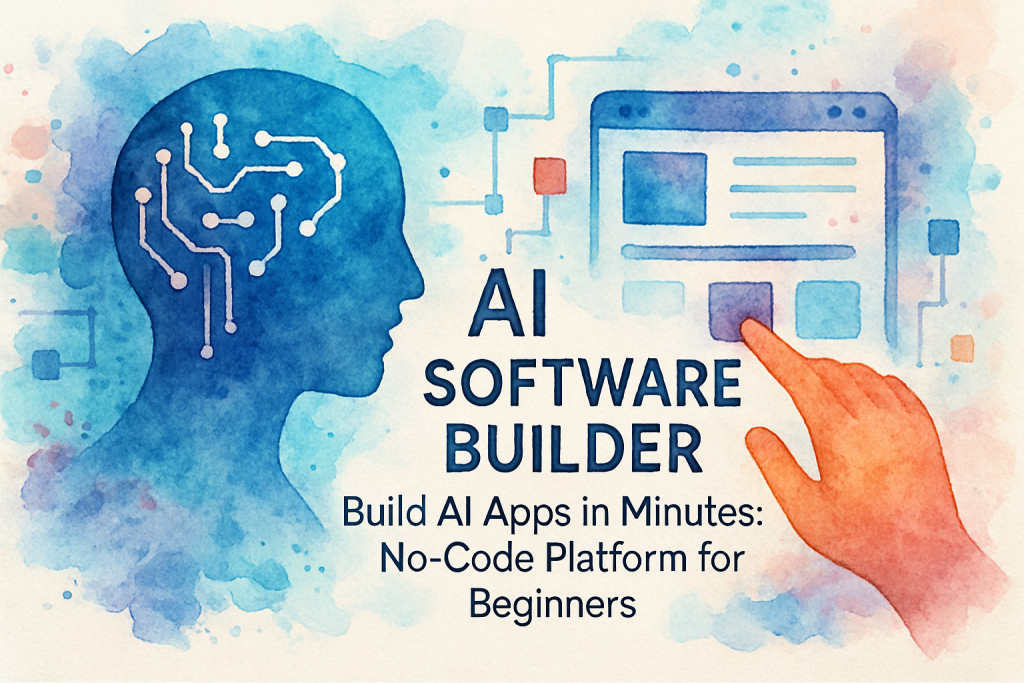
An AI software builder is a visual development platform that enables users to create artificial intelligence-powered applications through intuitive drag-and-drop interfaces, pre-built templates, and automated workflows. These platforms eliminate the need for traditional programming by abstracting complex code into user-friendly components.
What Makes AI Software Builders Different
The market for no-code development platforms is experiencing explosive growth. According to Gartner, by 2025, 70% of new applications developed by enterprises will use low-code or no-code technologies, up from less than 25% in 2020. This shift represents a fundamental change in how software is created and deployed.
The Current Landscape of No-Code AI Development
Today’s AI software builders cater to various use cases, from simple automation tools to complex enterprise applications. They’ve evolved to include features like real-time collaboration, cloud deployment, API integrations, and scalable infrastructure that grows with your needs.
The democratization of AI development has created opportunities for innovation across industries. Small businesses can now compete with larger corporations by rapidly deploying AI solutions that enhance customer experiences, optimize operations, and generate valuable insights from data.
Key Benefits of Using an AI Software Builder
Adopting an AI software builder offers transformative advantages that extend far beyond simple cost savings. These platforms fundamentally change how quickly and efficiently you can bring ideas to market.
1. Dramatic Reduction in Development Time and Costs
Traditional AI application development can take months and cost tens of thousands of dollars. With no-code platforms, you can build functional prototypes in hours and deploy production-ready applications in days. This acceleration means faster time-to-market, quicker validation of business ideas, and the ability to iterate based on real user feedback.
The financial benefits are equally compelling. By eliminating the need to hire specialized developers or outsource to expensive agencies, businesses can reduce development costs by 60-80%. These savings can be reinvested into marketing, customer acquisition, or further product development.
2. Empowerment of Non-Technical Innovators
The most significant advantage of AI software builders is accessibility. Subject matter experts who understand business problems intimately can now create solutions directly, without serving as intermediaries between problems and technical teams. This direct connection between problem and solution leads to more relevant, user-focused applications.
Marketing professionals can build customer segmentation tools, sales teams can create lead scoring applications, and operations managers can develop process automation systems—all without technical dependencies.
3. Rapid Experimentation and Innovation
No-code platforms enable a culture of experimentation. When the cost and time investment of building applications decreases dramatically, teams can test multiple approaches, fail fast, and pivot quickly. This agility is crucial in today’s rapidly changing business environment.
Organizations using AI software builders report 3-5 times more application deployments compared to traditional development approaches, leading to increased innovation and competitive advantage.
4. Seamless Integration and Scalability
Modern AI software builders come with pre-built integrations to popular business tools, databases, and APIs. This connectivity allows you to create comprehensive solutions that work within your existing technology ecosystem. As your needs grow, these platforms scale automatically, handling increased users, data, and complexity without requiring infrastructure management.
Step-by-Step Guide to Building Your First AI Application
Creating your first application with an AI software builder is more straightforward than you might think. Follow this practical implementation guide to go from concept to deployment.
Step 1: Define Your Application’s Purpose and Scope
Begin by clearly articulating the problem your application will solve. Write down specific use cases, identify your target users, and outline the core features required for a minimum viable product (MVP). Avoid feature creep by focusing on solving one problem exceptionally well.
Create a simple user flow diagram showing how users will interact with your application. This visualization helps clarify requirements and identifies potential gaps in your concept before you start building.
Step 2: Choose the Right AI Software Builder Platform
Research platforms that align with your specific needs. Consider factors like available AI capabilities, integration options, pricing structure, scalability, and community support. Many platforms offer free trials—take advantage of these to test functionality before committing.
Popular options include platforms specializing in chatbot development, workflow automation, data analysis applications, or general-purpose app builders with AI components. Match the platform’s strengths to your project requirements.
Step 3: Design Your Application Interface
Most AI software builders provide template libraries to jumpstart your design. Select a template that closely matches your vision, then customize it using drag-and-drop editors. Focus on creating an intuitive user experience with clear navigation, logical information hierarchy, and responsive design that works across devices.
Pay special attention to how users will interact with AI features. Make AI-powered recommendations visible but not intrusive, ensure chatbot conversations feel natural, and provide clear feedback when AI processes are working in the background.
Step 4: Configure AI Features and Logic
This is where your application becomes intelligent. Use the platform’s visual workflow builder to define how AI components process information and respond to user inputs. Configure machine learning models, set up natural language understanding rules, or establish decision trees that guide application behavior.
Most platforms provide pre-trained AI models that you can customize with your specific data. Upload sample datasets, train the models on your use cases, and test accuracy before deployment. The beauty of no-code development is that you can adjust these configurations in real-time without rewriting code.
Step 5: Test, Iterate, and Deploy
Thoroughly test your application with real users before full deployment. Gather feedback on usability, performance, and whether the AI features deliver expected value. Use this feedback to refine your application through multiple iterations.
Best Practices for Success
Start small and expand gradually. Build core functionality first, validate with users, then add advanced features. Document your workflows and configurations for future reference. Join the platform’s community to learn from other builders and stay updated on new features. Finally, prioritize user feedback over personal preferences—your application exists to solve user problems, not showcase every available feature.
Overcoming Common Challenges with AI Software Builders
While AI software builders dramatically simplify application development, users still encounter obstacles. Understanding these challenges and their solutions ensures smoother project execution.
Challenge 1: Limited Customization for Complex Requirements
No-code platforms excel at common use cases but may struggle with highly specialized or complex requirements. When you encounter limitations, explore the platform’s custom code options—many allow developers to inject custom functions when needed. Alternatively, consider hybrid approaches where you build core functionality with no-code tools and extend capabilities through APIs or integrations.
Solution: Carefully evaluate platform capabilities during selection. Choose platforms with robust API access and extensibility options that allow growth beyond standard features.
Challenge 2: Data Quality and AI Model Accuracy
AI features are only as good as the data they’re trained on. Poor data quality leads to inaccurate predictions, irrelevant recommendations, and frustrated users. Many beginners underestimate the importance of data preparation and model training.
Solution: Invest time in cleaning and organizing your data before training AI models. Use the platform’s testing tools to validate accuracy with diverse scenarios. Continuously monitor AI performance after deployment and retrain models as you collect more real-world data.
Challenge 3: Managing User Expectations
The ease of building with AI software builders can create unrealistic expectations about what’s achievable. Stakeholders may expect enterprise-grade applications overnight or assume AI can solve problems it’s not designed to address.
Solution: Set clear expectations from the start. Communicate that even with no-code tools, quality applications require thoughtful planning, iterative development, and ongoing refinement. Educate stakeholders about AI capabilities and limitations to ensure alignment on realistic outcomes.
Challenge 4: Security and Compliance Concerns
Organizations handling sensitive data must ensure their applications meet security standards and regulatory requirements. Some teams hesitate to adopt no-code platforms due to concerns about data protection and compliance.
Solution: Choose enterprise-grade AI software builders that prioritize security with features like encryption, role-based access control, audit logs, and compliance certifications. Review the platform’s security documentation and ensure it meets your industry’s specific requirements before building applications that handle sensitive information.
Conclusion: Your Journey to AI Application Development Starts Now
The emergence of AI software builders has fundamentally transformed who can create intelligent applications. No longer confined to those with computer science degrees or substantial budgets, AI development is now accessible to anyone with vision and determination.
Throughout this guide, we’ve explored how these platforms work, their substantial benefits including cost reduction and accelerated development, practical steps for building your first application, and solutions to common challenges. The key takeaway is simple: the barriers to AI application development have fallen, and the opportunity to innovate is available to everyone.
The applications you build with an AI software builder can automate tedious tasks, enhance customer experiences, generate business insights, and create entirely new revenue streams. The only limit is your imagination and willingness to experiment.
Don’t let another day pass watching others innovate while your ideas remain unrealized. Start exploring no-code AI platforms today, build your first prototype this week, and join the revolution of citizen developers transforming industries worldwide.
Ready to turn your AI application ideas into reality but need expert guidance? Contact The Crunch to schedule a free consultation and discover how we can help you leverage AI software builders to achieve your business goals. Visit https://thecrunch.io/get-a-proposal/ to get started today.
The future of software development is here, and it’s more accessible than ever. Your journey to building powerful AI applications begins now.
Frequently Asked Questions (FAQ)
1. What is an AI software builder?
2. How does an AI software builder work?
3. What are the main benefits of using an AI software builder?
4. How do I get started with an AI software builder?
5. What types of applications can I build with an AI software builder?
6. How does an AI software builder compare to traditional software development?
7. Are AI software builders suitable for beginners?
8. What are the typical costs associated with AI software builders?
9. What are some common concerns when using AI software builders?
10. Can I integrate external data sources with an AI software builder?
11. Do I need to know how to code to use an AI software builder?
12. How secure are AI software builders?