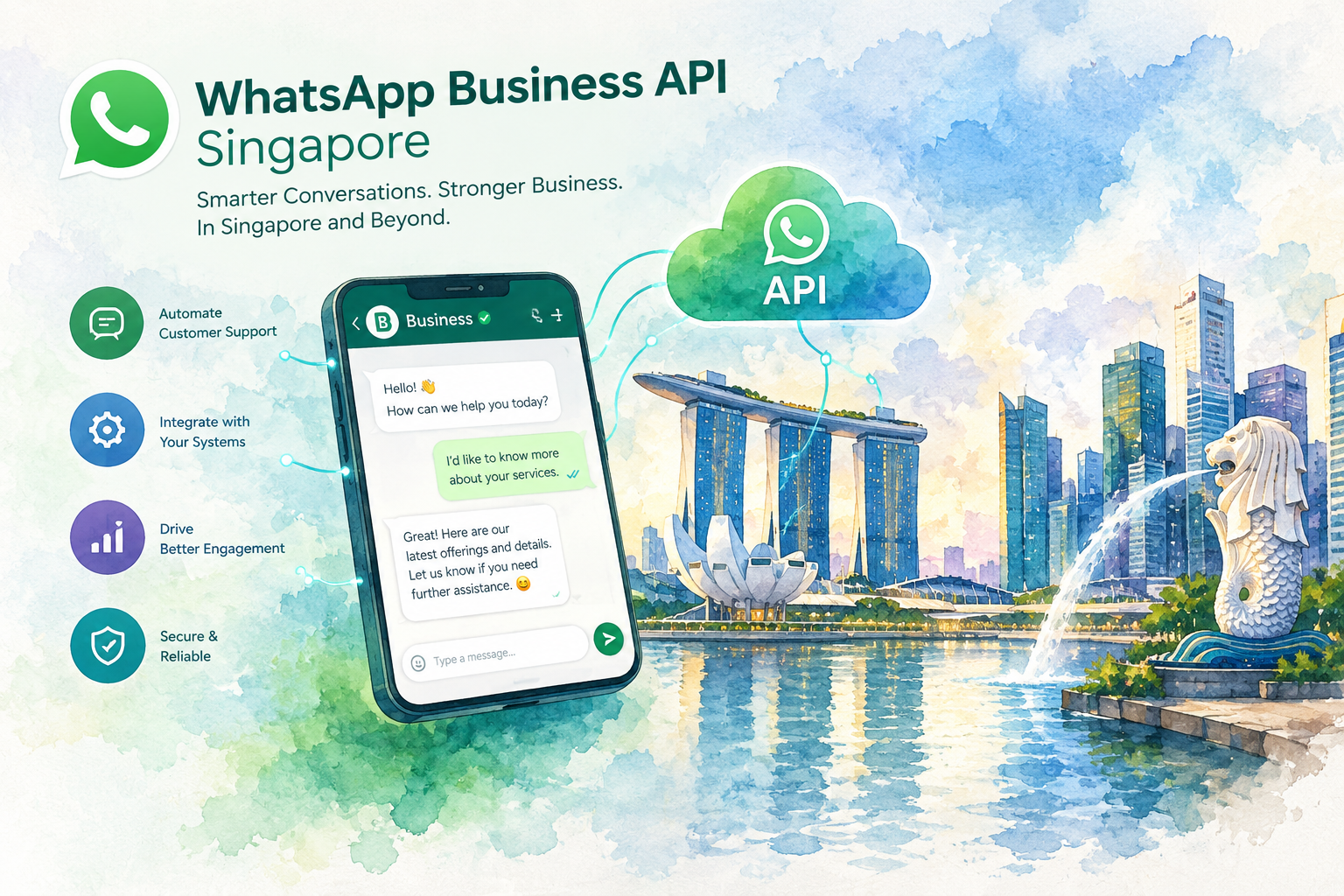
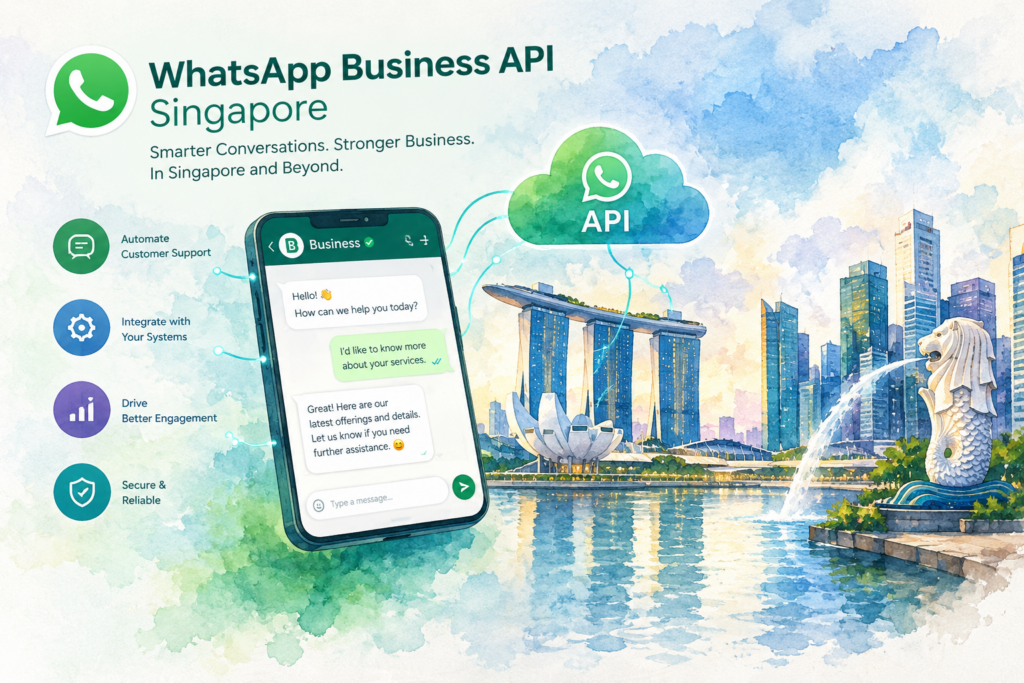
WhatsApp Business API Singapore access comes through Meta's official WhatsApp Business Platform, which lets a whole team and an AI agent answer customers from one verified number. You verify your company with Meta, connect a number through a provider, and send outbound messages as approved templates. The Crunch runs WhatsApp Business API Singapore setups with AI replies in English, Mandarin, Cantonese and Malay, from RM 200 a month.
A clinic in Tampines runs three branches off one phone at the reception counter. A patient asks about a dental slot at 10 pm and gets no reply. By morning, she has booked somewhere else. The free app was built for one person, and your team grew past one person long ago.
This page covers the WhatsApp Business API Singapore route from start to finish: what the API is, how Meta approves you, which Singapore rules apply to marketing messages, what the setup costs, and how to choose a provider.
What the WhatsApp Business API Singapore teams use does
Meta sells one official product for business messaging at volume, the WhatsApp Business Platform. Software talks to WhatsApp through the platform's Cloud API, so you never install an app on a phone. Your staff work from a shared inbox, a CRM screen or a custom system.
People search for this in two ways, "WhatsApp Business API Singapore" and "WhatsApp API Singapore". Both point to the same product. The difference from the free app shows up on day one.
| Need | Free WhatsApp Business app | WhatsApp Business API |
|---|---|---|
| Staff replying on one number | A few linked devices | A full team, each with a login |
| AI answering after hours | Away message only | AI agent trained on your business |
| Messaging customers first | Broadcast to saved contacts | Approved templates to opted-in customers |
| CRM records | Manual copy and paste | Every chat logged automatically |
| Running cost | Free | Platform fee plus Meta's broadcast fee |
Our full comparison of the WhatsApp Business app and the API goes feature by feature, if you want the long version.
How WhatsApp Business API Singapore approval works
Meta runs one global process, so a WhatsApp Business API Singapore account follows the same steps as one in London. The details below come from Meta's documentation, checked on 19 October 2026. Meta edits these pages often, so open each link before you begin.
Step 1: prepare your ACRA records and verify with Meta
Everything starts with a business portfolio in Meta Business Suite. According to Meta's developer guide to business verification, only a person holding the Admin role in the portfolio finishes verification.
For a Singapore company, the source documents sit with the Accounting and Corporate Regulatory Authority (ACRA). We gather your UEN, your registered business name and address, and a current business profile from ACRA's Bizfile portal. Type the legal name exactly as ACRA holds the record. A missing "Pte. Ltd." is a classic cause of a rejected submission.
Verification also lifts your sending ceiling. Meta's page on messaging limits lists verifying your business as one of three paths from the starting cap of 250 unique customers a day to 2,000, after a review of your message quality.
Step 2: decide which number goes on the account
Meta's documentation on business phone numbers sets four conditions. You own the number. The number carries a country and area code, so a +65 line qualifies and a short code does not. The line receives a voice call or SMS for the registration code. A number already in use on WhatsApp needs deleting from WhatsApp first.
Office lines behind a phone menu are allowed, as long as the line accepts calls from international numbers. A new portfolio registers two numbers at most. The cap moves to 20 once Meta verifies the business or your limit reaches 2,000.
Step 3: bring your existing WhatsApp Business app number across
Your customers saved a number already. Changing the number means losing the customers who never update their contacts. Meta's guide to onboarding WhatsApp Business app users lets a provider connect a Business app number to the Cloud API, and the phone keeps working.
(1) The phone runs WhatsApp Business app version 2.24.17 or later.
(2) Contacts come across, plus one-to-one chat history from the last six months. Group chats stay behind.
(3) Replies sent from the phone and from the API mirror into one thread.
(4) Broadcast lists on the phone turn read-only. Calls, catalogs and labels remain app features outside the API.
Only a Solution Partner or a Tech Provider carries out this onboarding, so the provider question comes next.
Step 4: ask your provider two questions
Meta recognises a few partner types. A Solution Partner bills clients for API usage. A Tech Provider builds on the platform, and the client pays Meta directly. Plenty of Singapore vendors still say "BSP", the older label.
Ask any WhatsApp Business API Singapore vendor which partner type they hold today, and whose card Meta charges each month. Get both answers in writing before you sign.
Step 5: submit your first message templates
Meta's message templates documentation says a template is the only message type you send to someone outside an open customer service window. Each template belongs to one category: marketing, utility or authentication.
Review runs automatically when you create or edit a template, and Meta's status note says review takes up to 24 hours. A rejected template stays unsendable until you fix the template or win an appeal. During setup we submit six to ten templates covering booking confirmations, reminders, enquiry follow-ups and a first promotion.
Singapore marketing rules for WhatsApp Business API accounts
Two sets of rules shape every WhatsApp Business API Singapore account. Meta sets the first. Singapore law sets the second.
Meta's policy. The WhatsApp Business Messaging Policy asks you to collect opt-in before you message someone, to honour every request to stop, and to give people a clear way to reach a human when a bot answers.
The PDPA and the DNC Registry. The Personal Data Protection Commission (PDPC) administers Singapore's Personal Data Protection Act. The PDPC guide to the Do Not Call (DNC) Provisions sets out the points below. We quote only what the guide says.
(1) Check before you send. Before sending a marketing message, which the PDPA calls a "specified message", to a Singapore telephone number, you check the number against the DNC Registry. The check must fall within 21 days before the send.
(2) Channels named. The guide lists voice calls, text messages and faxes sent to Singapore telephone numbers. A message mixing service and marketing still counts as a specified message.
(3) Clear and unambiguous consent removes the check. Consent needs a positive action, such as ticking a box, and the person must know messages go to their Singapore number. Consent hidden in general terms and conditions does not qualify.
(4) Ongoing relationships. Messages tied to a membership, subscription, account or loan skip the check when the message relates only to the relationship. A one-off purchase does not create an ongoing relationship.
(5) Withdrawal. People withdraw consent at any time. You stop messaging them within 21 days, and every message carries clear instructions such as reply UNSUB.
The guide does not name WhatsApp in the list of channels. We take the careful route on every WhatsApp Business API Singapore account we run: we collect clear opt-in with a record of when and where, and we run lists through the DNC Registry portal before a promotional send to anyone without one. PDPC's page on checking numbers against the DNC Registry explains accounts, sub-accounts and fees. For a legal view on your own campaigns, ask your adviser.
What we add on top of a WhatsApp Business API Singapore setup
An approved WhatsApp Business API Singapore account answers nobody by itself. Four layers turn the connection into booked appointments.
(1) A shared inbox. Each staff member signs in under their own name on one number. Chats get assigned by outlet or topic, and a manager sees response times per person. Our guide to WhatsApp Business for multiple users covers the team side.
(2) An AI agent in four languages. The agent replies in English, Mandarin, Cantonese and Malay, and copes with Singlish and mixed messages. Questions about price, location, hours and availability get answered in seconds. Anything sensitive goes to a person with the full chat attached.
(3) CRM records. New contacts, tags and bookings land in HubSpot, GoHighLevel or your own system without anyone retyping a phone number.
(4) Bookings and reminders. The AI offers open slots from your calendar, confirms the booking and sends a utility template the day before. Our page on auto reply for WhatsApp Business shows how the first reply works.
For the chatbot itself, our AI chatbot Singapore page explains how we train and test the agent before launch.
WhatsApp Business API Singapore pricing
A WhatsApp Business API Singapore account carries two costs.
Meta. Meta charges a fee for each broadcast message. We include the fee in your quote, so the monthly figure you approve is the figure you pay.
The Crunch. Our managed plans begin from RM 200 a month, and the entry plan has no setup fee. Singapore clients pay the same ringgit price as Malaysian clients. More outlets, more languages and deeper CRM work move you to a higher plan, and custom builds are quoted on scope.
Is the API worth paying for yet? Stay on the free app if a single staff member handles under 30 chats daily and you never start conversations with customers. Move to a WhatsApp Business API Singapore setup once two or more staff share the replies, you run more than one outlet, or enquiries arrive after closing with nobody to answer.
How to compare WhatsApp Business API Singapore providers
Most WhatsApp Business API Singapore vendor pages promise the same features. The table below shows where the three common options differ. We list ourselves as a column and label the column, so you read our view knowing we sell one of the options.
| Question | Self-serve inbox tools | In-house Cloud API build | The Crunch (this site, done for you) |
|---|---|---|---|
| Official Meta connection | Request their Meta partner type in writing | Yes, your own Meta account | Yes, official API |
| Who handles verification and templates | Your staff, with help articles | Your developers | We handle both |
| AI replies | Often a paid add-on | Built from scratch | Included and trained on your business |
| Mandarin and Cantonese replies | Varies by vendor | Depends on your build | Both, plus English and Malay |
| CRM connection | Own CRM or plug-ins | Custom code | HubSpot and GoHighLevel as standard |
| Support hours | Depends on the vendor | Your engineers | Malaysia-based team in Singapore's time zone |
| Good fit | Teams with a marketer who builds flows | Firms with in-house engineers | Owners who hand the whole job to us |
Self-serve tools work well for a team with a marketer who enjoys building automations. A direct build suits a company with engineers and a long product roadmap. Choose a managed service when most new leads arrive on WhatsApp and no one on staff owns the follow-up. Below a few hundred outbound messages monthly, a self-serve tool is cheaper than us.
Want a wider view of automation beyond WhatsApp? Our AI automation agency Singapore page covers the full scope, and our chatbot Singapore guide compares chatbot types.
Singapore businesses we set up the WhatsApp Business API for
Our WhatsApp Business API Singapore work follows our four verticals: healthcare, property, education and retail.
(1) Clinic groups. GP, dental and aesthetic clinics put every branch behind one number. The AI books the patient into the right outlet and sends the reminder. See our healthcare AI chatbot page.
(2) Property agencies. Agents get leads from portals and ads at all hours. The AI replies within seconds, asks budget and preferred district, and books viewings into the agent's calendar. See our property AI chatbot page.
(3) Tuition centres. Parents ask about fees, class timings and trial lessons, often in Mandarin at night. The AI answers, confirms the trial slot and hands enrolment questions to staff.
(4) F&B groups and retail. Outlets field reservation, catering and opening-hours questions all day. One number on every receipt and every outlet sign keeps the history in one place.
Several outlets on one account. Meta sets messaging limits per business portfolio, and all numbers in the portfolio draw on one shared limit. Plan outbound campaigns for the group, not per branch, so one outlet's promotion does not use up another's capacity.
Our 30-day WhatsApp Business API Singapore rollout
A mid-tier WhatsApp Business API Singapore setup with verification, templates, AI replies and one CRM connection takes 30 days from kickoff to live.
(1) Week 1: discovery. We gather ACRA details, get admin access to Meta Business Suite, test your number and write down the 30 questions your customers send most often.
(2) Week 2: connection. We submit verification, move your number onto the API and send the first templates for review.
(3) Week 3: training. The AI learns your prices, outlets, hours and policies. Your staff test the agent with real messages, including voice notes and Singlish.
(4) Week 4: go-live. Live replies switch on. We review the first week of chats with you and correct wrong answers on the same day.
Common WhatsApp Business API Singapore mistakes
Starting on a fresh number. Thousands of customers saved your current number. Migrate the Business app number instead of printing a new one on your signage.
Leaving verification for later. Without verification, the portfolio stays capped at 250 customers daily outside open chats. Submit your ACRA documents in the first week.
Sending promotions without a DNC plan. Decide before launch how you record consent and when you run DNC checks. Fixing an opt-in record after a complaint costs far more.
Calling a promotion a utility message. Meta reviews every template category. An honest label gets approved faster than a disguised one.
Launching AI with no hand-over rule. Decide in advance which chats go to a person, such as complaints, refunds and medical questions.
Case study
We are preparing a WhatsApp Business API Singapore case study with figures our client has signed off. Until the page goes up, book a call and we will walk you through examples from your industry.
We built this WhatsApp Business API Singapore guide from Meta's developer documentation on business verification, phone numbers, Business app onboarding, message templates and messaging limits, the WhatsApp Business Messaging Policy, and PDPC's guidance on the Do Not Call Provisions, all read on 19 October 2026. Our published entry price is from RM 200 a month.
The Crunch has deployed chatbots for Malaysian, Singapore and Hong Kong SMBs since 2019, across healthcare, retail, property and education. Our agents work in English, Bahasa Malaysia, Mandarin and Cantonese, and a mid-tier scope goes live in 30 days. We serve Singapore remotely from our Malaysia base.
WhatsApp Business API Singapore FAQ
01How much does the WhatsApp Business API cost in Singapore?+
Two parts. Meta charges a fee for each broadcast message, and your provider bills for the software.
We charge from RM 200 a month, and Meta's fee sits inside your quote.
02Which documents does a Singapore company need for Meta verification?+
Meta asks for official documents proving the business. For a Singapore company, your ACRA business profile, UEN and registered address are the usual source.
Enter the legal name exactly as shown in ACRA's records.
03How long does WhatsApp Business API approval take?+
Meta states template review takes up to 24 hours. Meta publishes no fixed time for business verification.
A mid-tier setup from us, with AI and a CRM connection, goes live in 30 days.
04Do I keep my current WhatsApp number?+
Yes, if the number runs on the WhatsApp Business app. Meta's onboarding flow connects the number to the API and keeps the app working.
A personal WhatsApp number needs deleting from WhatsApp before registration.
05Do Singapore's Do Not Call rules affect WhatsApp marketing?+
PDPC's DNC guide covers voice calls, text messages and faxes to Singapore numbers and does not name WhatsApp.
We collect clear opt-in for every list and run DNC checks before promotions. Ask your adviser for a legal view.
06Does the AI reply in Mandarin and Malay?+
Yes. Our agent replies in English, Mandarin, Cantonese and Malay, including Singlish and mixed messages.
Harder chats pass to your staff, with the conversation history attached.
07What daily sending limit does Meta set?+
Meta starts new portfolios at 250 unique customers in a moving 24 hours outside open chats.
Verification is one path to 2,000. Higher limits follow when quality stays high and you use at least half your limit.
08Does the WhatsApp Business API connect to HubSpot or GoHighLevel?+
Yes. Our standard setup links HubSpot and GoHighLevel to your number, so chats and bookings land in your CRM.
We check other CRMs during discovery and quote them on scope.
Running several outlets on one overloaded phone? Send us your outlet count, your current number and your monthly chat volume, and we will plan your WhatsApp Business API Singapore setup with you in one call. Book a call.