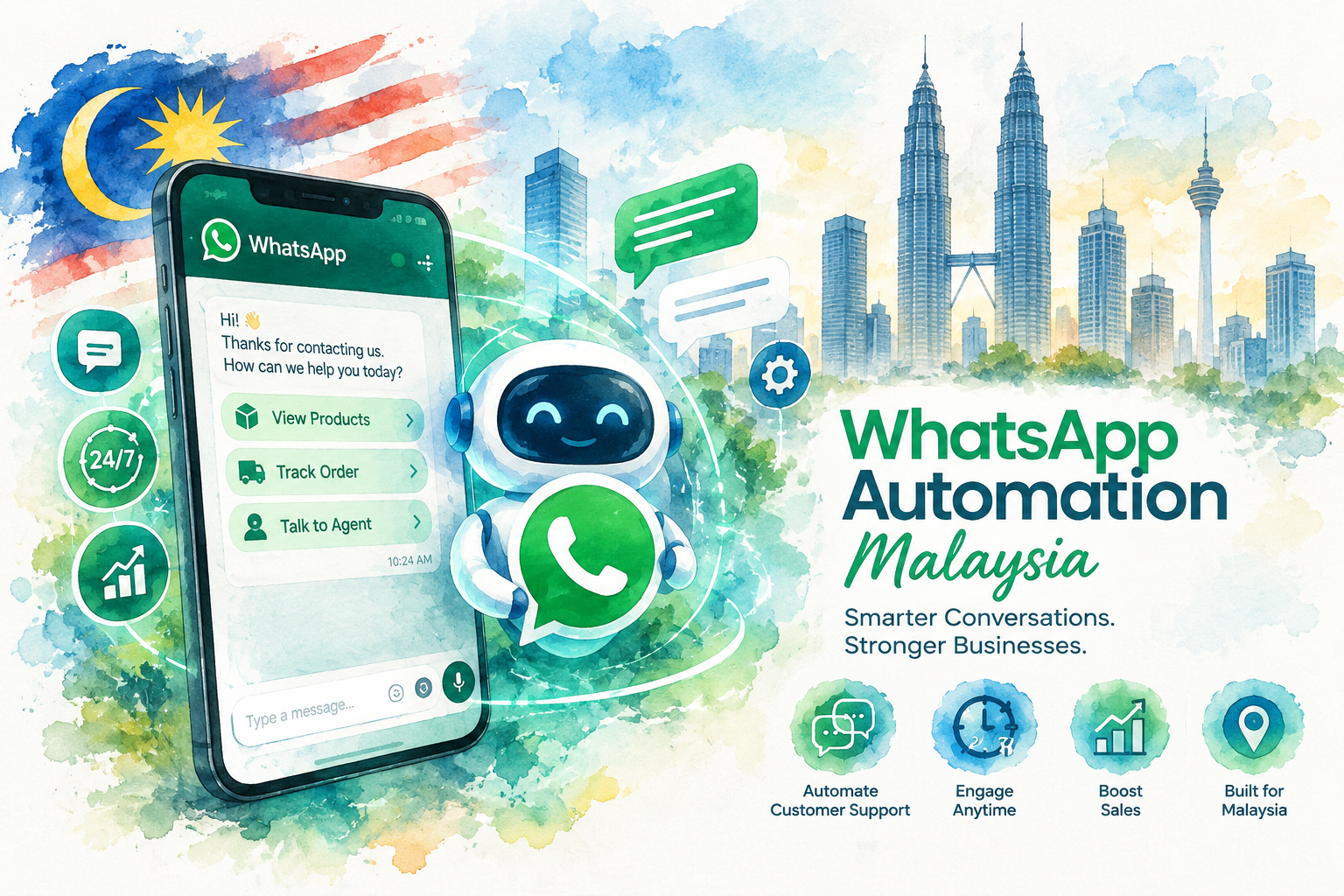
WhatsApp automation in Malaysia means messages go out on their own when something happens: a new enquiry, a missed call, a booking or a quiet lead.
Start with an instant reply to every new chat, then reminders and follow-ups. The free WhatsApp Business app covers basic auto replies. Anything beyond those runs on the WhatsApp Business Platform (the API).
Reviewed by JC Cheong, founder of The Crunch, on 23 November 2026.
Which Automation to Set Up First
- Leads wait hours for a reply: instant reply to every new enquiry
- Calls go unanswered at busy times: missed call to WhatsApp message
- Patients or buyers miss appointments: reminders the day before and on the day
- Quotes go quiet after you send them: a three-step follow-up
- Several branches share one number: routing by branch with handover to staff
This WhatsApp automation Malaysia guide is for business owners whose customers already message them on WhatsApp.
You will see which automations bring in more bookings, how the app and the API differ, the rules Meta and Malaysian law set, and what each setup costs.
We are The Crunch, a Malaysian company building WhatsApp AI agents and automations for multi-branch businesses. We sell the done-for-you option in this guide, and we say so wherever our name appears.
What WhatsApp Automation Means for a Malaysian Business
WhatsApp automation is a set of rules. Each rule has a trigger, a message and an action. A customer sends their first message, so the system replies within seconds, asks two questions and tags the chat by branch.
The trigger is the part owners overlook. A good automation starts from an event your business already has: a form fill, a missed call, a booking in your calendar, an invoice due date.
The message follows from the event, so customers get a reply about the thing they did.
Automation differs from a chatbot in scope. A chatbot answers questions inside one chat.
Automation also sends messages nobody asked for yet, such as a reminder or a follow-up, and moves the contact along in your CRM. Our WhatsApp chatbot guide for Malaysia covers the answering side in depth.
Speed is the reason to start. A study in the Harvard Business Review found firms contacting a lead within an hour were nearly seven times as likely to qualify the lead as firms waiting longer.
A WhatsApp reply in seconds sits well inside the hour.
Seven WhatsApp Automations Worth Setting Up First
These seven cover most of the lost leads we see in Malaysian businesses. Set them up in this order. Each one builds on the contact data the one before collects.
1 Instant Reply to Every New Enquiry
Trigger: a first message from a new number. Message: a greeting with your name, the two most asked answers and one question, such as which branch or which service.
The reply lands in seconds, day or night. The customer feels heard and stays in your chat instead of messaging the next business on Google.
An AI agent goes one step further and answers the real question in the customer’s own words.
2 Missed Call to WhatsApp
Trigger: an unanswered call to your business line. Message: “Sorry we missed your call. How do we help?” sent to the caller’s WhatsApp within a minute.
Callers who reach nobody rarely call twice. A message keeps the lead warm and moves the conversation to a channel your team answers between other tasks.
This setup needs a phone system able to send a webhook when a call goes unanswered.
3 Appointment Reminders and No-Show Follow-Up
Trigger: a booking in your calendar. Messages: a confirmation at booking, a reminder the day before with a reply button to confirm or reschedule, and a note an hour before.
When someone misses the slot, a fourth message offers the next two open times.
Clinics, salons and property viewings lose the most to no-shows, so these reminders pay back fastest there. See our guide to AI appointment booking for the booking side.
4 Follow-Up for Quiet Leads
Trigger: no reply for two days after you sent a quote or price list. Messages: a short check-in, then an answer to the most common objection three days later, then a last offer to book a call.
Three messages is enough. More than three starts to feel like spam, and customers who block you hurt your quality rating with Meta.
5 Abandoned Booking or Cart Nudge
Trigger: a customer starts a booking form or checkout on your website and leaves. Message: a reminder with a link back to the exact step, sent within an hour.
This works only for customers who gave their number and agreed to WhatsApp messages earlier in the form. Without opt-in, skip this one.
6 Broadcasts Sent by a Trigger
Trigger: a date tied to the customer, such as a renewal, a service interval or a birthday. Message: a template approved by Meta, personalised with the customer’s name and the item due.
A trigger-based broadcast reaches the right person on the right day. Blasting the whole list every week does the opposite. Our WhatsApp blast guide explains list sending in detail.
7 Routing by Branch With Handover to Staff
Trigger: the customer picks a branch, or the AI detects a request needing a person. Action: the chat goes to the right branch team with the full history and a tag.
Multi-branch businesses gain the most here. Head office sees every chat, and each branch answers only its own. Our page on WhatsApp Business for multiple users covers the team inbox.
WhatsApp Business App or API for Automation
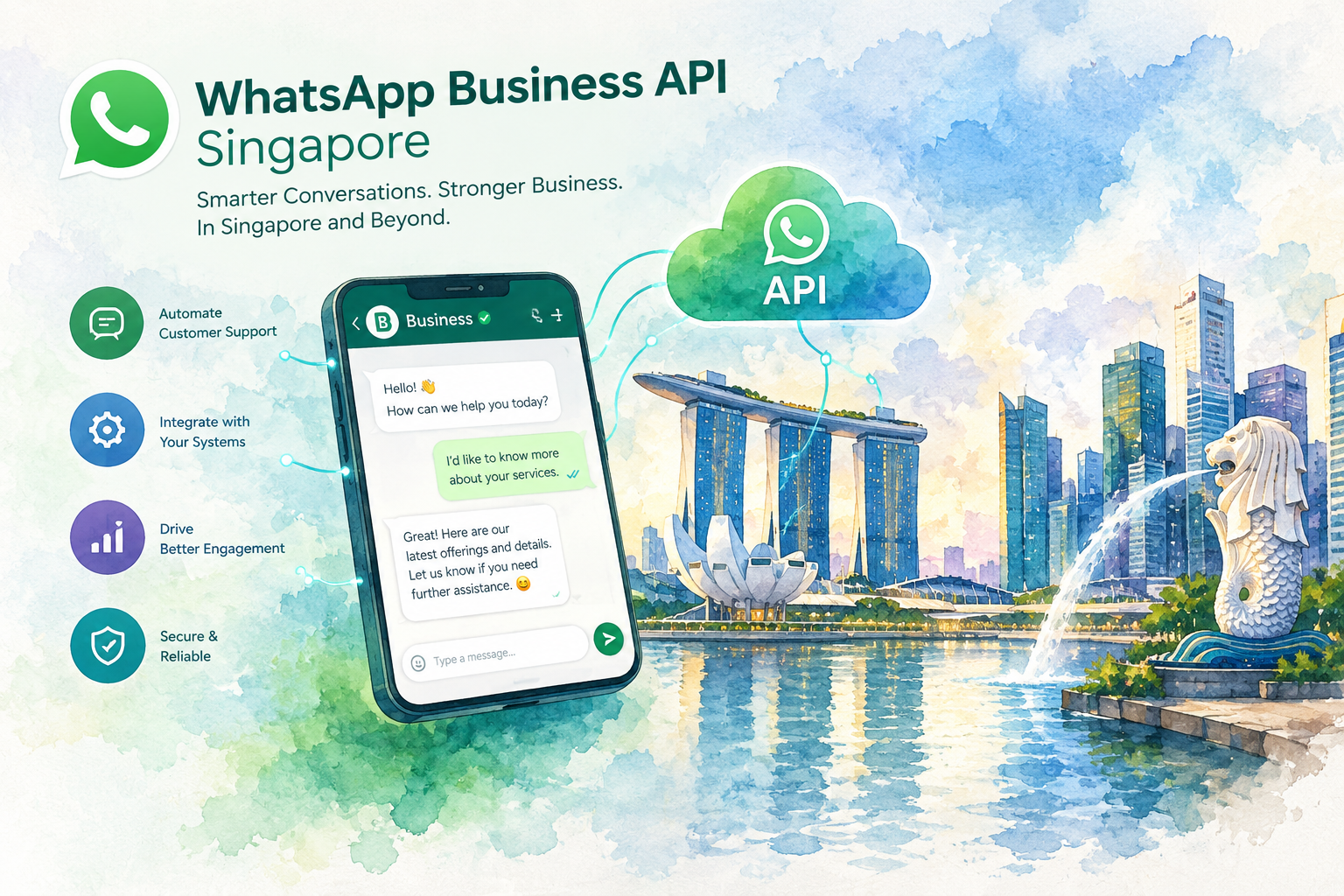
Meta offers two products. The WhatsApp Business app is free and runs on a phone. The WhatsApp Business Platform connects WhatsApp to software through the Cloud API.
| What you need | Business app | Business Platform (API) |
|---|---|---|
| Greeting and away messages | Yes | Yes |
| Quick replies and labels | Yes | Yes, plus tags in your CRM |
| AI answering real questions | No | Yes |
| Missed call and form triggers | No | Yes |
| Reminders from your calendar | No | Yes |
| Follow-up sequences | No | Yes |
| Several staff on one number | Limited linked devices | Team inbox with routing |
| Cost | Free | Platform plan plus Meta fees |
Start on the app when you get a few chats a day and one person answers them. Our step-by-step guide to auto reply on WhatsApp Business shows the app settings.
Move to the API once you need triggers from other systems or more than one person answering.
The full comparison sits in our WhatsApp Business app vs API guide, and setup steps sit in our WhatsApp Business API Malaysia guide.
WhatsApp Automation by Industry in Malaysia
The seven automations stay the same across industries. The trigger and the wording change. Here is where each industry should start.
Clinics and Aesthetic Centres
Start with reminders and no-show follow-up, then a recall message when a treatment is due again.
Keep medical advice out of automated messages and hand clinical questions to staff. Our pages on dental AI chatbots and aesthetic clinic chatbots go deeper.
Real Estate
Start with the instant reply on property ads, asking budget, area and timeline. Then send viewing reminders and a follow-up two days after each viewing. Agents get only qualified buyers. See our real estate AI chatbot guide.
Ecommerce
Start with order updates and the abandoned cart nudge for opted-in buyers. Add a review request three days after delivery. Our ecommerce AI chatbot guide covers product questions.
Restaurants and F&B
Start with reservation confirmations and a reminder two hours before. Add a reply flow for menu, halal status and opening hours, the three questions F&B outlets answer most. Read our restaurant AI chatbot guide.
Rules for WhatsApp Automation in Malaysia
Breaking these rules gets your number restricted or blocked. Follow all four.
(1) Get opt-in first. The WhatsApp Business Messaging Policy requires a customer’s permission before you message them. Meta’s opt-in guide says the request must name your business and say they will get WhatsApp messages.
(2) Use approved templates for messages you start. Reminders, follow-ups and broadcasts go out as message templates. Meta reviews each template before your first send.
(3) Honour opt-outs at once. Give every broadcast a clear way to stop, such as replying STOP, and remove the contact from future sends.
(4) Follow the PDPA. Malaysia’s Personal Data Protection Act governs how you collect, store and use data. The Department of Personal Data Protection publishes the rules. Say why you collect a number, and keep chat data on systems you control.
On cost, Meta charges a fee for each broadcast message. Our quotes include the fee, so you see one monthly figure. The WhatsApp Business policy hub lists Meta’s current rules in full.
How We Wrote This Guide
(1) The seven automations come from setups we build for Malaysian clients, ranked by how many lost leads each one recovers.
(2) Product features come from Meta’s own WhatsApp Business pages and developer documentation, linked where each fact appears.
(3) Rules come from the WhatsApp Business Messaging Policy and Malaysia’s Department of Personal Data Protection.
(4) Last checked: 22 November 2026. Meta changes WhatsApp rules several times a year. Spot something out of date? Send us a correction and we will review the page within 48 hours.
WhatsApp Automation Malaysia Pricing
Cost depends on who builds the automation and who runs the system afterwards. Here are the three ways Malaysian businesses pay.
WhatsApp Business app
Free
Greeting messages, away messages, quick replies and labels on one phone. No triggers from other systems and no AI answers.
A platform your team sets up
Monthly plan plus staff time
Software such as GoHighLevel or a shared inbox tool, connected to the API. You pay the plan, Meta’s broadcast fees and the hours your staff spend building and fixing flows.
Done for you
From RM 200 a month
An agency builds, tests and runs the automations for you. The Crunch starts from RM 200 a month, with Meta’s broadcast fees included in the quote.
Ask any provider for three numbers before you sign: the one-time setup fee, the monthly fee, and how Meta’s fees are billed. A low monthly price with Meta fees billed separately often ends up costing more.
Which WhatsApp Automation Setup Fits You
?Do you get fewer than 10 chats a day?
Stay on the free WhatsApp Business app. Set a greeting message, an away message for after hours and five quick replies for your most asked questions.
?Does someone on your team enjoy building systems?
Pick a platform and build the flows in-house. Budget two to four weeks for the first three automations, plus time each month to fix broken steps.
?Do you run several branches or get chats after hours?
Go done for you. An AI agent answers every chat in seconds, routes each one to the right branch and runs the follow-ups without a staff member watching.
How to Set Up Your First Automation in a Week
One automation running well beats seven half-built. Start with the instant reply.
(1) Day 1: pull your last 50 WhatsApp chats and list the ten questions customers ask most.
(2) Day 2: write answers to those ten questions in plain words, in English and Bahasa Malaysia, plus Chinese if your customers write in Chinese.
(3) Day 3: decide what the first reply asks. One question works best, such as the branch or the service.
(4) Day 4 and 5: build the reply on the app or your platform and test the flow from three different phones.
(5) Day 6 and 7: go live, read every automated chat for two days and fix any answer customers misread.
Once the first reply runs cleanly, add the missed call message and the reminders in week two.
Mistakes Losing Malaysian Businesses Their WhatsApp Leads
Replying with a menu of numbers. “Press 1 for prices” feels like a phone queue. Customers type their real question anyway, and a rigid menu ignores the question.
No route to a person. Every flow needs an exit to staff. A customer stuck in a loop leaves and tells friends.
Broadcasting to people who never opted in. Customers block the number, and Meta lowers your quality rating. Too many blocks and your sending limit drops.
Following up forever. Stop after three messages. Mark the lead as cold and move on.
Setting up and never reading the chats. Read a sample of automated chats every week for the first month. Customers phrase things in ways nobody predicted.
Working With The Crunch on WhatsApp Automation
We build WhatsApp AI agents and automations for Malaysian businesses, most of them with several branches and hundreds of chats a month.
Our clients stay with us for 4 to 5 years on average, and 9 out of 10 clients refer us to others.
A typical first month covers the instant reply with an AI agent, branch routing, reminders and the quiet-lead follow-up, connected to your CRM.
See how chats sync with your records in our WhatsApp CRM integration guide. Plans start from RM 200 a month.
Want to see which automations fit your business? Book a free call and we will map your first three.
01Is WhatsApp automation legal in Malaysia?+
Yes, when you follow two sets of rules. Meta’s WhatsApp Business Messaging Policy requires opt-in before you message customers. Malaysia’s Personal Data Protection Act covers how you collect and store their data.
02Does the free WhatsApp Business app support automation?+
Partly. The app offers greeting messages, away messages, quick replies and labels. Triggers from forms, calls or calendars, follow-up sequences and AI answers need the WhatsApp Business Platform (the API).
03How much does WhatsApp automation cost in Malaysia?+
The Business app is free. A platform you run yourself costs a monthly plan plus staff time. A done-for-you setup from The Crunch starts from RM 200 a month. Meta charges a fee for each broadcast message on top.
04Will automated messages get my number banned?+
Not when you message only people who opted in, use approved templates and stop when asked. Bans come from unsolicited blasts, high block rates and unofficial tools pretending to be the app.
05What is the difference between a WhatsApp chatbot and WhatsApp automation?+
A chatbot answers questions inside a chat the customer started. Automation also sends messages on a trigger, such as a reminder before a booking, and updates your CRM. Most businesses run both together.
06Does WhatsApp automation work in Bahasa Malaysia and Chinese?+
Yes. Templates and replies are written in any language you choose. An AI agent replies in the language the customer writes in, including Bahasa Malaysia, English and Chinese.
07How long does setting up WhatsApp automation take?+
An instant reply on the free app takes an afternoon. On the API, expect one to two weeks for number approval, template review and the first three automations, depending on how fast your team supplies answers.
08Do several branches share one WhatsApp number with automation?+
Yes, on the API. The first reply asks for the branch, then routes the chat to the right team. Head office sees every conversation, and each branch handles only its own customers.